
Quick Settings Tile
Toggle Private DNS on or off from the notification shade. Tap again to switch providers or disable.
v1.1 · Open Source · No Root
quickDNS gives you instant, encrypted DNS — DNS-over-TLS — from your Quick Settings tile or home screen widgets. Flip it on, switch providers, and keep your traffic private. No root required.
Mirrors the home screen widget.
Features
Toggle Private DNS from your Quick Settings tile, a home screen widget, or the app — and switch between DNS-over-TLS providers instantly.
Toggle Private DNS on or off from the notification shade. Tap again to switch providers or disable.
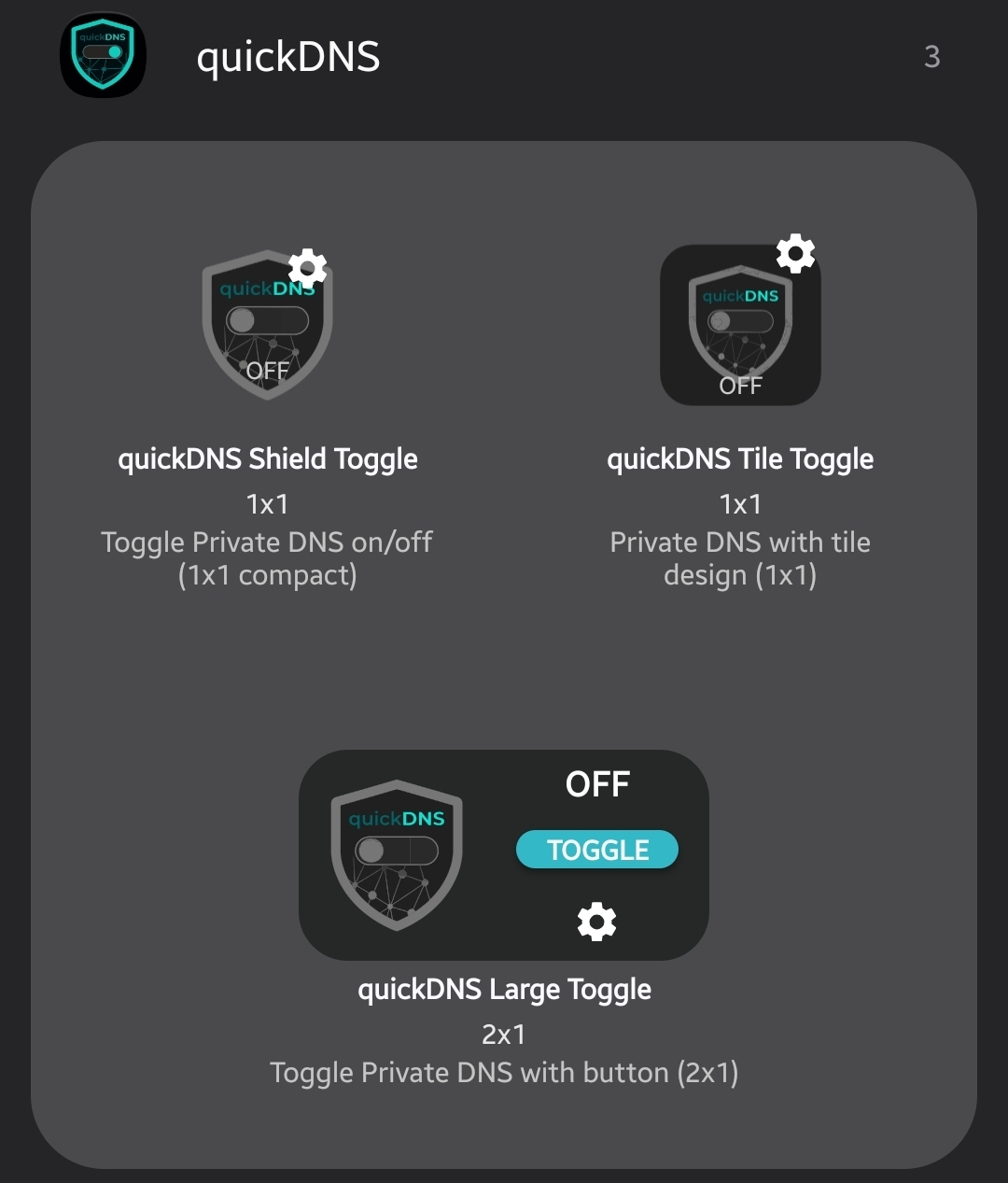
Three widget styles: compact shield, tile, and a large 2×1 with a dedicated toggle button.
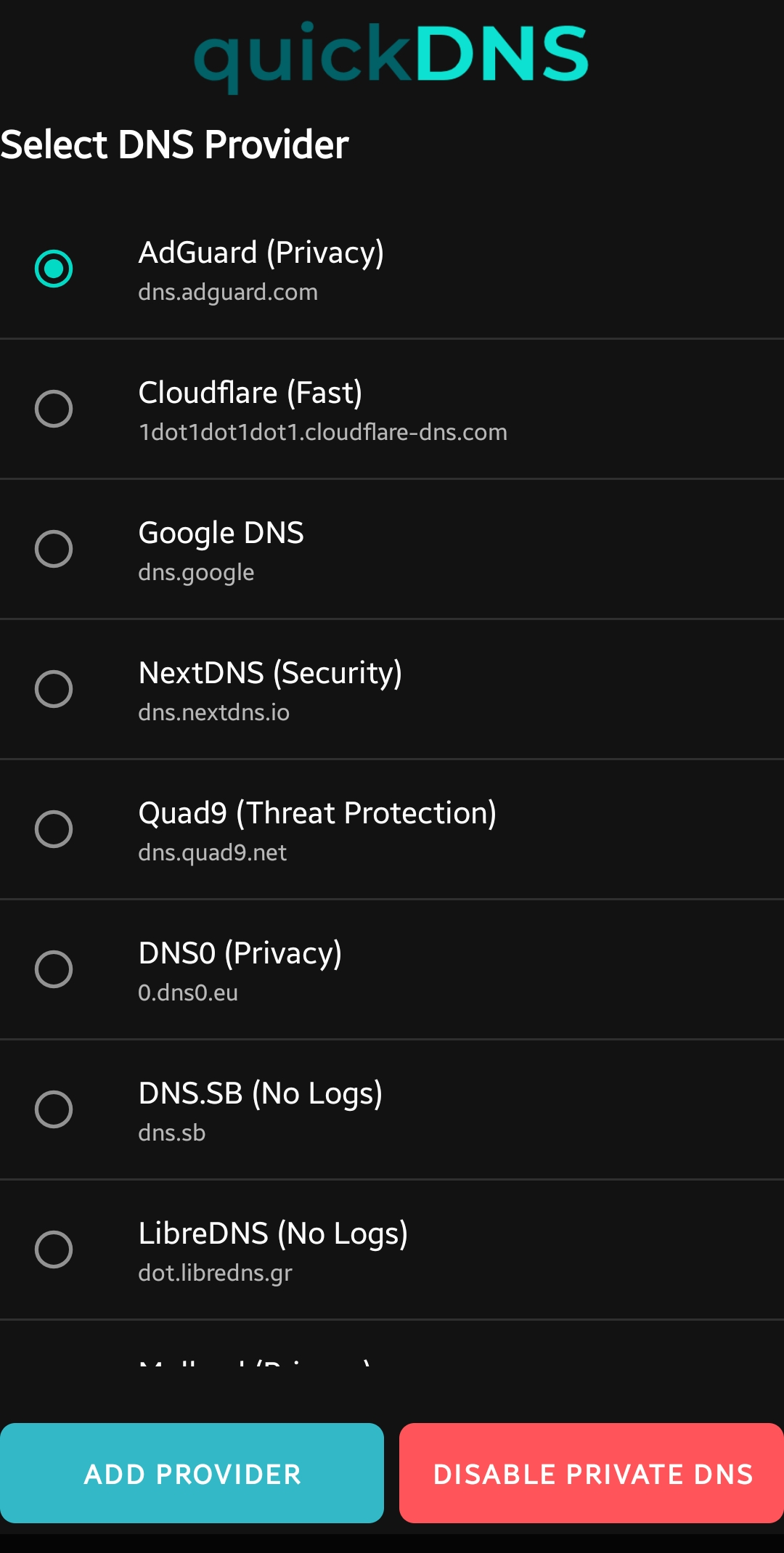
Cloudflare, Google, AdGuard, Quad9, NextDNS, Mullvad, and more, pre-configured.
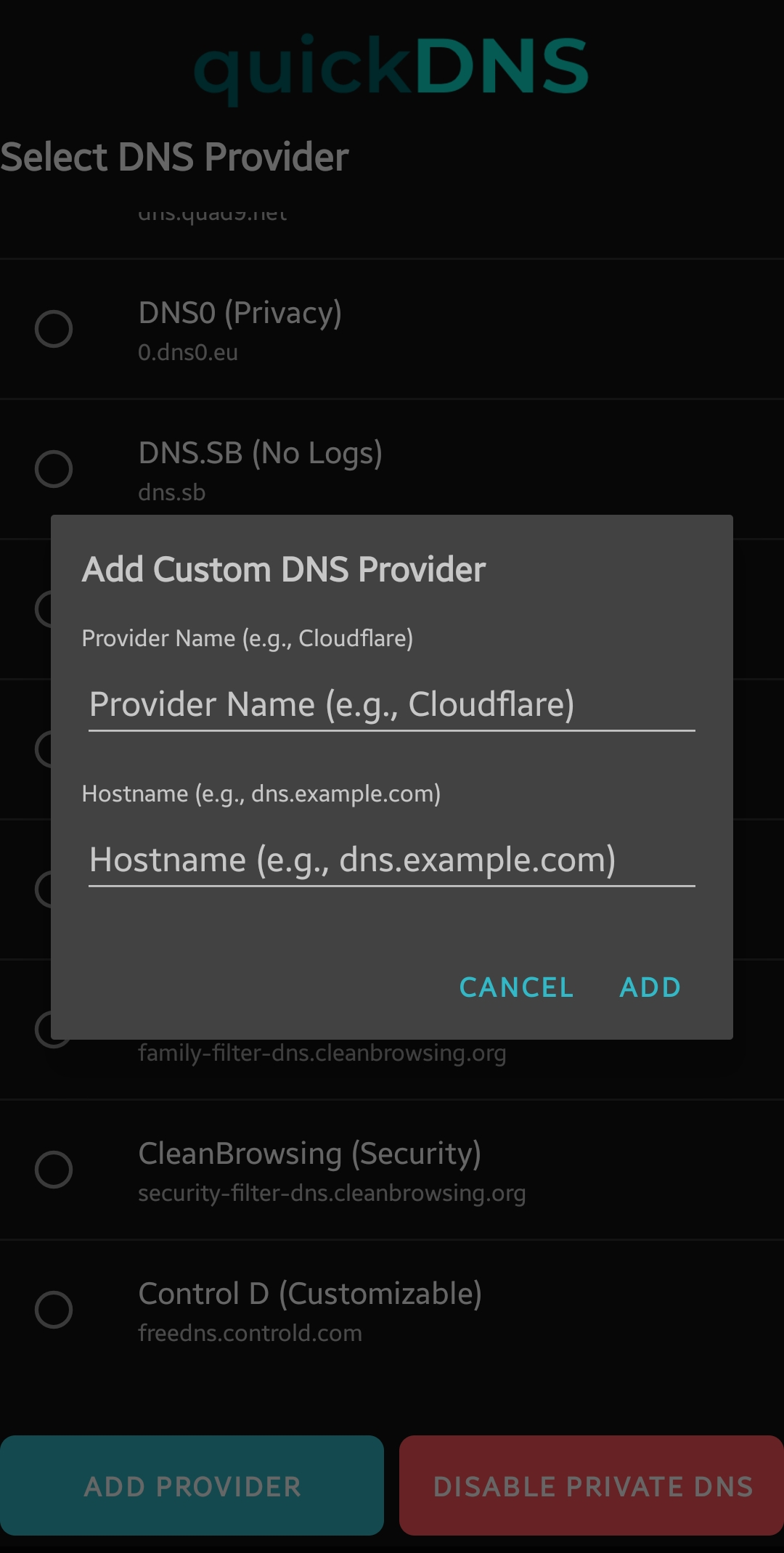
Add any DNS-over-TLS provider by name and hostname. It syncs across the tile and all widgets.
Enable with your saved provider in a single tap, or disable everything the same way.
Uses Shizuku or a one-time ADB grant to modify system settings.
Widgets
Three widget styles to choose from. Toggle once — every widget stays in sync.
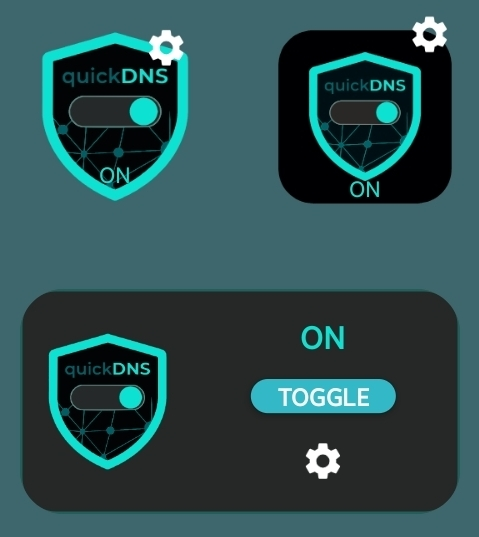
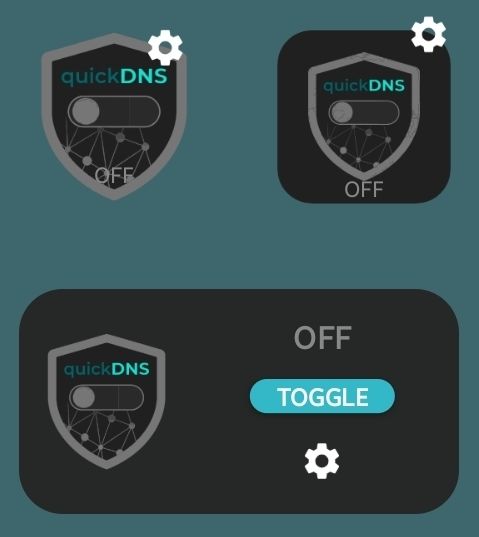
Compact floating shield. Tap anywhere to toggle; tap the wrench to manage providers.
Full tile design with a dark card and teal border when active.
Shield plus a dedicated Toggle button and settings shortcut.
Screenshots
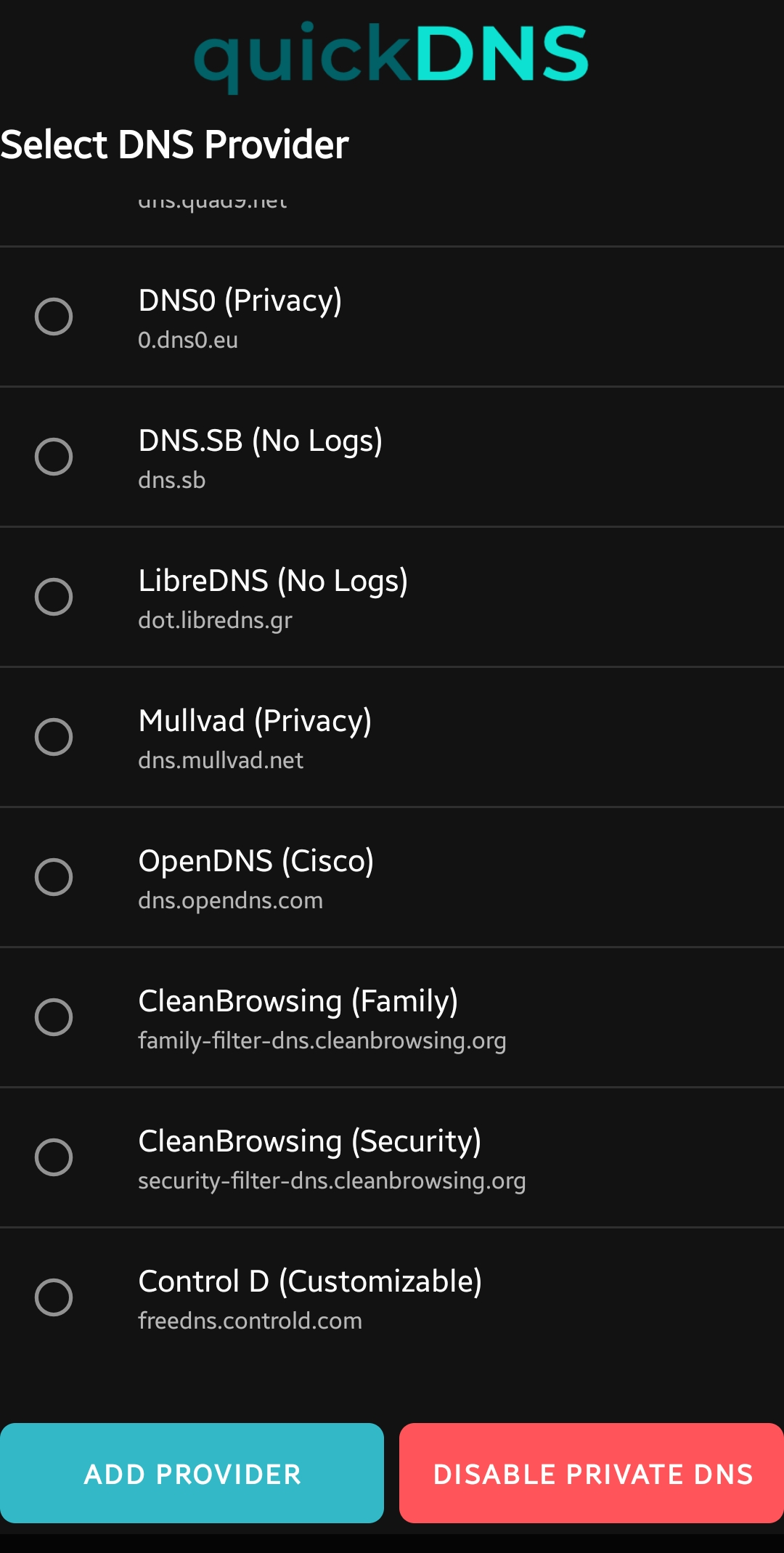
Manage providers from the app: browse the included list or add your own DNS-over-TLS hostnames.
Providers
DNS-over-TLS hostnames for popular privacy and filtering services, included out of the box.
Don’t see your favorite? Add any DNS-over-TLS provider as a custom entry from the app.
Setup
quickDNS needs permission to modify system DNS settings. Pick one of two methods — neither requires root.
adb shell pm grant com.jphat.quickdns android.permission.WRITE_SECURE_SETTINGS